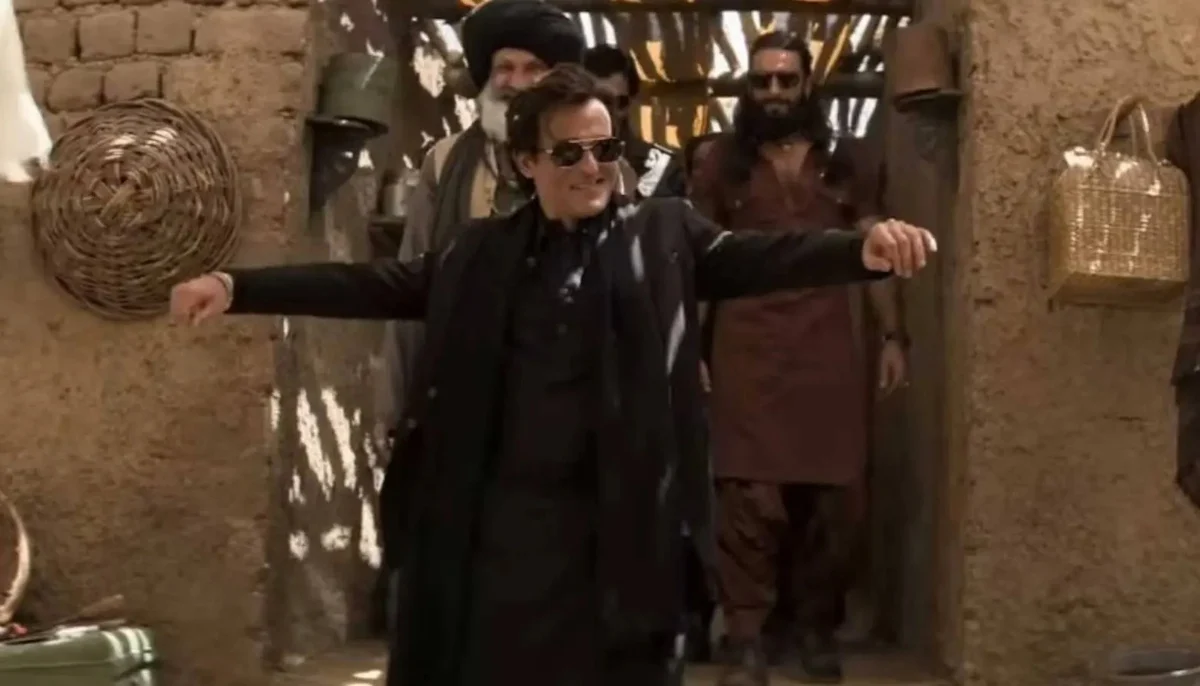
How to Create Dhurandhar Viral Clip Style Using Viggle AI – Complete 2025 Guide
The internet constantly transforms the way we create, edit, and share videos. Every year a new trend emerges, and tools like Viggle AI push the boundaries of creativity even further. One of the latest viral sensations in the AI-generated video world is the “Dhurandhar Viral Clip Style” — a flashy, cinematic, expressive, and hyper-animated style inspired by Indian pop-culture visuals, dramatic cinematography, and stylized character motion.
In this complete, detailed, and beginner-friendly guide, you will learn how to recreate the Dhurandhar viral clip style using Viggle AI, even if you have zero editing experience.
This article breaks down everything — from understanding the Dhurandhar style, to setting up Viggle AI, creating high-quality animations, refining movements, adding transitions, adjusting character energy, exporting final clips, and maximizing virality on platforms like YouTube Shorts, TikTok, and Instagram Reels.
Let’s dive deep into the world of AI-powered creativity.
What Is the “Dhurandhar Viral Clip Style”?
The Dhurandhar style is a dramatic, energetic, visually exaggerated animation trend inspired by Bollywood-style motion, highly stylized camera angles, and expressive body language. Clips in this style often have:
-
Fast energy transitions
-
Bold poses
-
Stylized face expressions
-
Exaggerated hip and arm movements
-
Multilayered backgrounds
-
High-contrast lighting
-
Smooth but dramatic slow-motion effects
-
Cinematic camera shakes
-
VFX elements like energy bursts, flares, neon glows, or dust particles
The biggest reason behind its virality is its eye-catching motion style, something that traditional video editors take hours or days to create. But with Viggle AI, creators can achieve this style in minutes.
Why Viggle AI Is Perfect for the Dhurandhar Trend
Viggle AI is currently one of the most advanced AI platforms for motion generation and character animation. It allows users to:
-
Generate character motion from text prompts
-
Transfer motion from one character to another
-
Animate still images
-
Upload custom characters, outfits, and poses
-
Apply preset styles
-
Modify camera angles
-
Add physics-based hair and cloth movement
-
Export HD clips in seconds
The best part? Viggle AI uses physics-enabled JAX-based motion simulation, which makes animations look natural, dynamic, and film-like.
The Dhurandhar style requires high-motion energy, expressive acting, and fluid transitions, which Viggle AI is exceptionally good at generating.
How the Dhurandhar Clip Went Viral — Key Elements You Must Recreate
Before generating your own clip, you must understand the elements that made the Dhurandhar style viral:
1. High-Energy Poses
The character moves quickly between poses, creating a sense of power and authority.
Think:
✔ hand swings
✔ chest-out stance
✔ dramatic head tilt
✔ fast footwork
2. Cinematic Camera Work
The camera moves with the character, not against them.
Angle examples:
-
Top-down dramatic zoom
-
Horizontal sliding shot
-
Slow push-in with dolly movement
3. Neon + Cinematic Lighting
The clip uses:
-
high contrast
-
glowing edges
-
rich colors
-
dramatic shadows
4. Punchy Transitions
Rather than smooth, soft transitions, the Dhurandhar style loves sharp cuts.
These create intensity and keep TikTok viewers hooked.
5. Energetic Background Effects
You’ll see:
-
spark bursts
-
dust particles
-
light streaks
Using Viggle AI, you can recreate each of these with simple prompts.
Step-by-Step Guide: How to Generate Dhurandhar Viral Clip Style With Viggle AI
Below is a fully detailed, beginner-friendly tutorial covering everything:
Step 1 — Set Up Your Viggle AI Account
To get started:
-
Visit the official Viggle website
-
Create an account
-
Join the Discord (if required)
-
Choose the “Animate” or “Character + Motion” mode
Viggle works both through web interface and Discord bot.
Step 2 — Find a Character or Upload Your Own
The Dhurandhar trend usually uses:
-
A heroic male character
-
A stylish influencer look
-
Anime-inspired personalities
-
Traditional attire turned cinematic
But you can choose anything.
Viggle allows:
✔ AI-generated characters
✔ Uploaded photos
✔ PNG cutouts
✔ Transparent background characters
If you want maximum virality, choose:
A bold character with sharp outlines and expressive face.
Step 3 — Writing the Perfect Dhurandhar Style Prompt
Your prompt decides everything.
Here is a ready-to-use Dhurandhar Style Prompt:
“Create a high-energy Dhurandhar viral clip style animation.
The character should perform dramatic power poses, bold hand movements, expressive facial reactions, and exaggerated cinematic gestures.
Use neon lighting, high contrast shadows, Indian action-style motion energy, dynamic camera rotation, and a strong heroic attitude.
Include particle effects, dust impact, motion blur, and stylized slow-motion transitions.
Make the animation smooth, bold, stylish, expressive, and attention-grabbing.”
You can add more detail based on your character.
Step 4 — Select the Motion Type
Dhurandhar viral clips follow these motion categories:
✔ Hero Pose Animation
✔ Dancing + Hip Movements
✔ Punch + Power Gesture Combo
✔ Dramatic Walk Toward the Camera
✔ Slow-Motion Attitude Turn
Viggle has built-in motion presets you can combine with your prompt.
Step 5 — Choose the Camera Style
For Dhurandhar clips, the best camera presets are:
-
dramatic dolly in
-
rotating camera
-
slight handheld shake
-
slow cinematic zoom
-
side sweep tracking shot
Camera motion gives your clip the “viral” feel.
Step 6 — Add VFX Elements With Prompting
Viggle doesn’t fully support all VFX yet, but you can simulate them with creative prompting:
Try these keywords:
-
neon outlines
-
glowing particles
-
dust burst
-
light streaks
-
golden flare
-
cinematic haze
-
dramatic spotlight
These add the magical Dhurandhar touch.
Step 7 — Rendering Your Clip in HD
When exporting your final animation:
✔ choose the highest resolution
✔ choose 24fps or 30fps
✔ enable smooth interpolation
High-end visuals perform better on TikTok and Reels.
Step 8 — Enhancing the Clip Using External Tools (Optional)
Once Viggle gives you the animated clip, enhance it with:
-
CapCut
-
VN Editor
-
After Effects
-
Alight Motion
Add:
-
overlays
-
brighter highlights
-
contrast boost
-
cinematic color grade
This increases watch time.
How to Make Your Dhurandhar Clip Go Viral in 2025
Even a perfect animation won’t go viral unless you upload it strategically.
1. Keep Clips 6–8 Seconds Long
Shorter clips loop better.
2. Use Trending Sounds
Bollywood + EDM mashups work best.
3. Add Sharp Cuts Instead of Smooth Transitions
The Dhurandhar style depends on aggressive pacing.
4. Make a Strong Thumbnail
Example:
-
Character mid-pose
-
Neon glow
-
Big expression
5. Post 3–5 Clips Daily
Consistency = virality.
Example Prompt Pack (Copy & Paste)
Here are 6 sample prompts you can paste into Viggle right now:
Prompt 1 — Hero Attitude Dhurandhar Style
“Create a Dhurandhar viral hero attitude clip with cinematic lighting, bold hand gestures, slow-motion head turn, neon rim lights, dramatic camera push-in, particle effects, and expressive acting.”
Prompt 2 — Power Pose + Energy Burst
“Generate a Dhurandhar-style power pose animation with explosive hand motions, dust impact bursts, glowing outlines, and fast transitions between poses.”
Prompt 3 — Dance Motion Dhurandhar Style
“Produce a high-energy Dhurandhar dance motion clip with hip movements, rapid arm swings, sharp steps, neon lighting, and cinematic camera rotation.”
Prompt 4 — Dramatic Walk-In Clip
“A stylized Dhurandhar walk toward the camera with attitude, slow-motion coat movement, neon haze, cinematic glow, and expressive Bollywood-style performance.”
Prompt 5 — Face Expression Focus
“Animate intense face expressions in Dhurandhar style: smirk, eyebrow raise, glare, confident head tilt, neon highlights, bold glow, and particle VFX.”
Prompt 6 — Epic Entry Shot
“Create a Dhurandhar viral entry shot with powerful footsteps, dust explosion, dramatic lens flare, strong attitude pose, and high-contrast cinematic shadows.”
Common Mistakes Beginners Make (And How to Avoid Them)
❌ Mistake 1: Using plain prompts
✔ Fix: Describe motion, lighting, camera angle, and style details.
❌ Mistake 2: Low-resolution characters
✔ Fix: Upload HD cutouts only.
❌ Mistake 3: No external editing
✔ Fix: Use CapCut or VN to polish the final clips.
❌ Mistake 4: Overusing slow motion
✔ Fix: Mix fast + slow for dynamic pacing.
❌ Mistake 5: Posting once a week
✔ Fix: Post daily for algorithm boost.
10+ FAQs About Creating Dhurandhar-Style Clips With Viggle AI
1. What makes the Dhurandhar style special?
Its combination of cinematic acting, exaggerated poses, neon effects, and dramatic camera motion.
2. Do I need editing experience?
Not at all. Viggle AI handles the animation automatically.
3. Can I use my own photo as a character?
Yes, but remove the background first for better results.
4. Does Viggle support face expressions?
Yes — the Dhurandhar trend relies heavily on expressions.
5. How long should the clip be?
6–8 seconds for maximum retention.
6. Can I add background music inside Viggle?
No, but you can add it in CapCut or other editors.
7. Is Dhurandhar style good for viral content?
Yes, it’s currently trending across Reels and TikTok.
Generate
8. Which camera movement works best?
Rotating camera + dolly-in combination.
9. Can I combine Viggle motion with my own motion?
Yes — motion mixing is a powerful Viggle feature.
10. What resolution should I export in?
1080×1920 recommended for shorts.
11. Can I sell Dhurandhar-style edits?
Yes, many freelancers sell AI-powered edits today.
Conclusion — Start Creating Dhurandhar-Style Clips Today
The Dhurandhar viral style is one of the most exciting creative trends of 2025 — bold, energetic, expressive, neon-infused, and perfectly suited for short-form video platforms.
With Viggle AI, anyone can create this style in minutes, no matter your editing skill level.
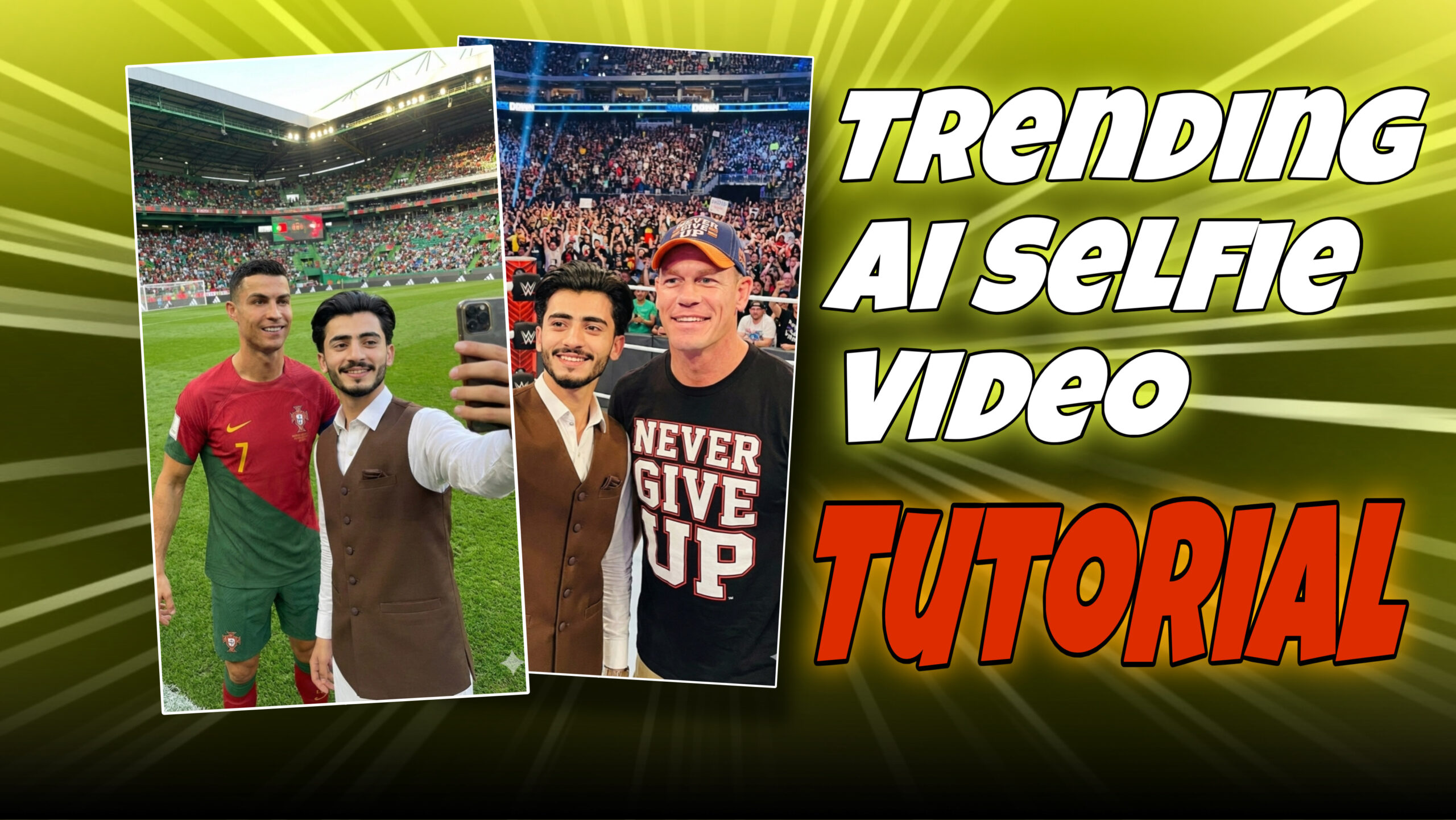
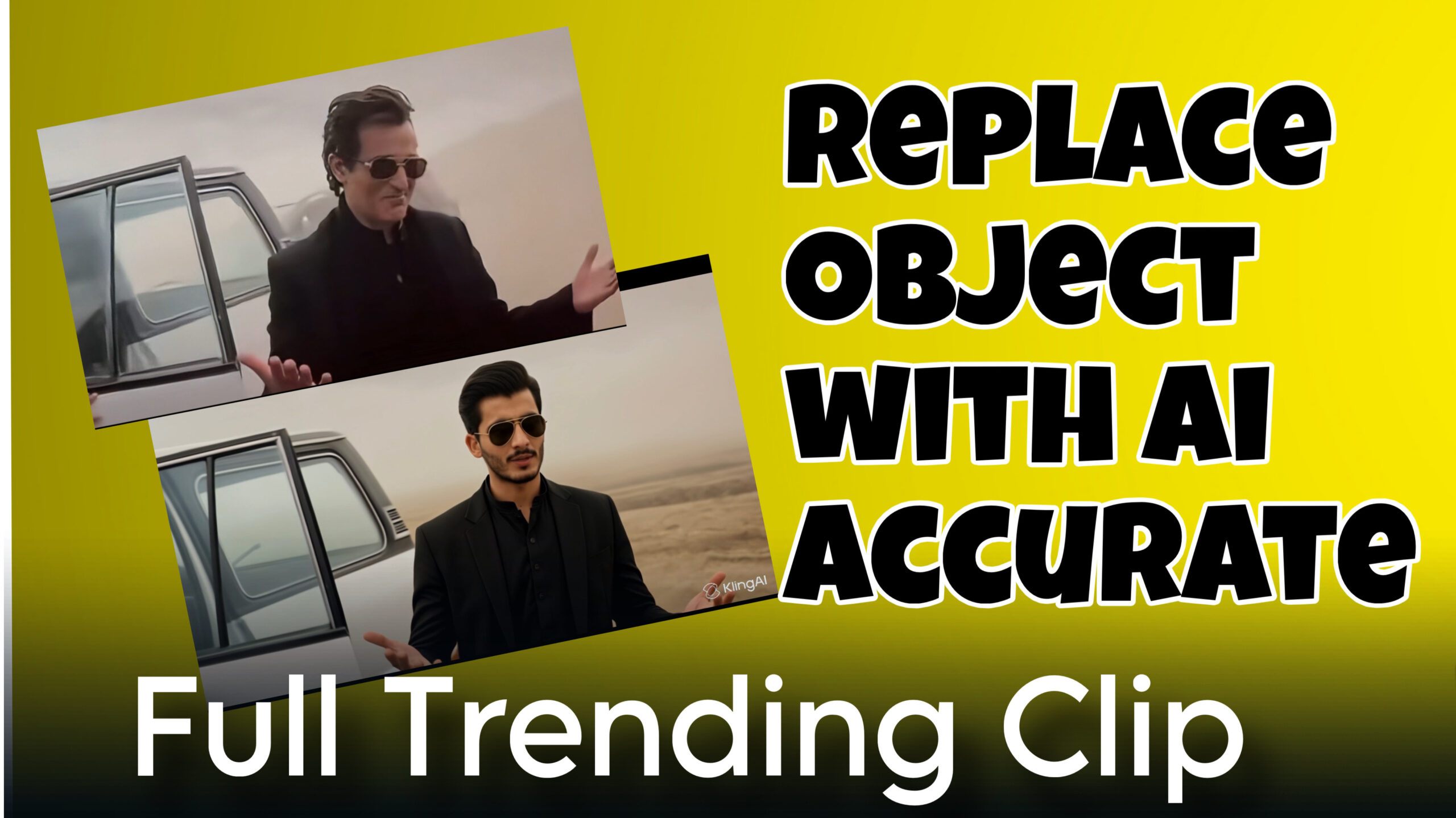
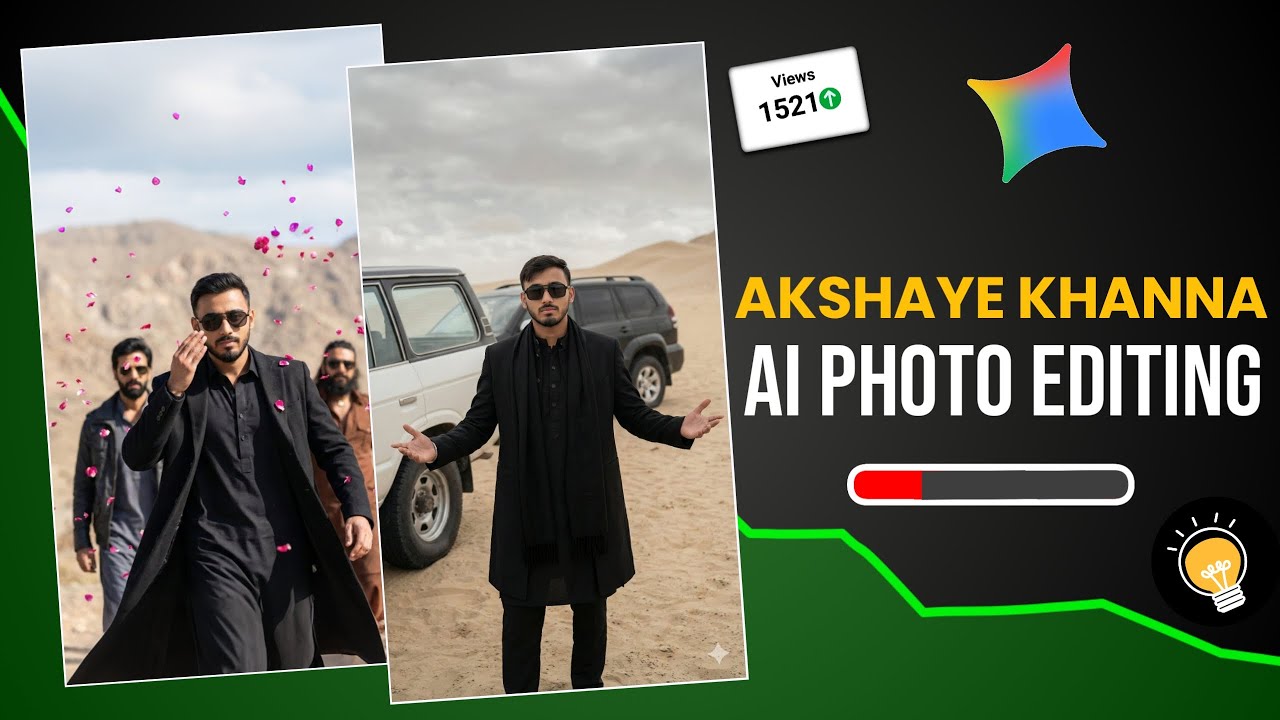

Viral clip
Best
Dhurandhar akshay khanna style video me
My photo change to videos
पोज़
Viral clip
Bedbsbbd
Viral video
Varil clip